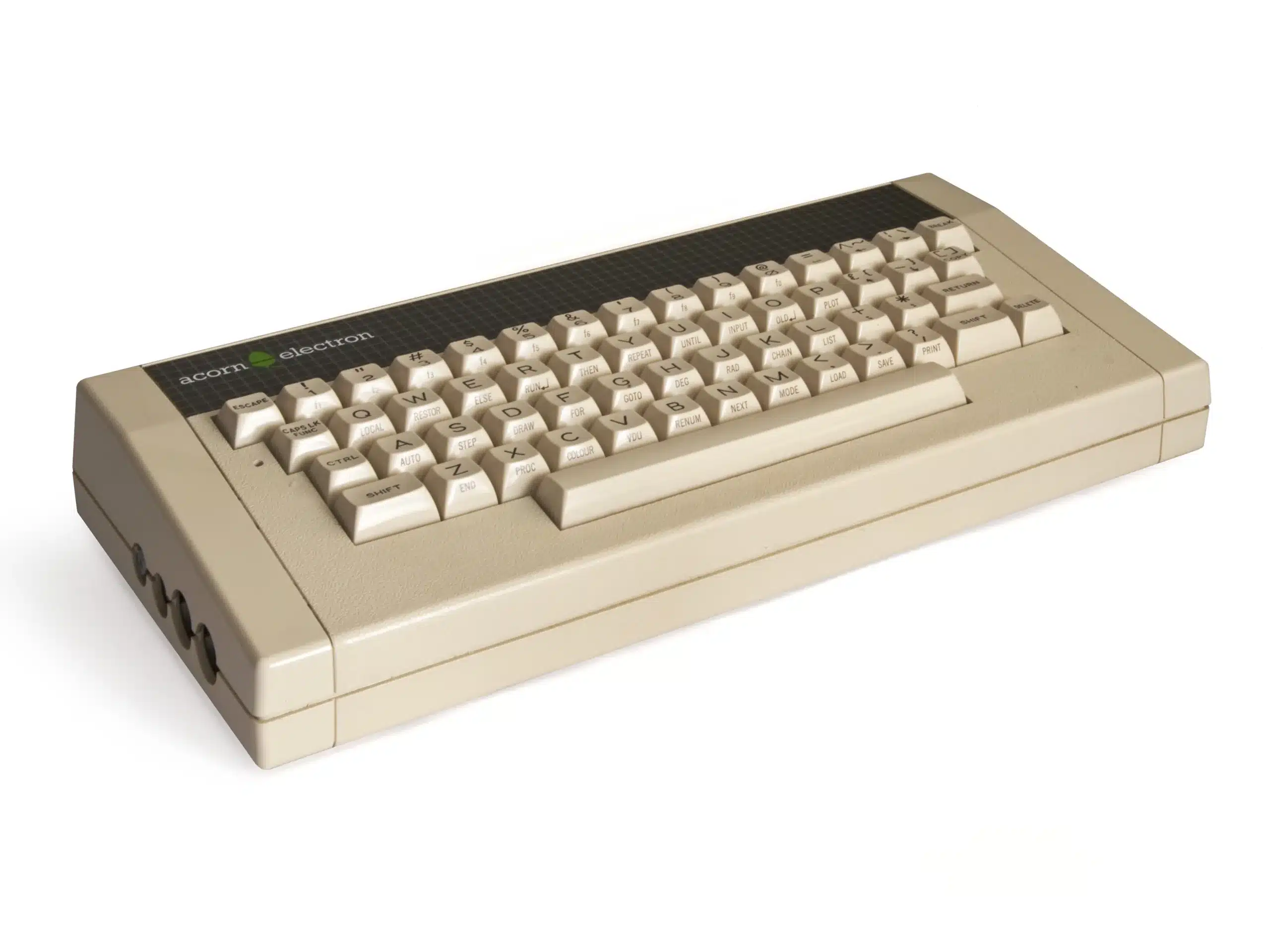
The Acorn Electron arrived in August 1983 carrying a single, blunt promise on the box: most of what a BBC Micro could do, for roughly half the price. Acorn had built the impossible bit first — squeezing the BBC’s sprawl of support chips down into one custom Ferranti ULA — and then spent the next eighteen months finding out exactly how much that shortcut would cost them at the workbench.That cost showed up in two places, and both of them are still visible on a bench today. The 6502A drops from 2 MHz to 1 MHz the instant it touches RAM, because the ULA is busy stealing bus cycles for the video display — the machine gets slower exactly when the program running on it gets more demanding. And that same ULA, the chip doing all the clever consolidation, sits in a socket on the early boards that has a habit of working itself loose. Acorn’s fix, eventually, was to solder it down and pot it in epoxy. By then a lot of the damage, to reputation and to the machines that had already shipped, was done.
Why it matters
The Electron’s real significance is not the machine itself but the fight it was built for. Acorn needed a budget contender to stand against the ZX Spectrum in a UK home-computer market Sinclair was winning on price alone, and the Electron was Acorn’s answer: take the BBC Micro’s respected BASIC, its architecture, its educational credibility, and get it under £200 without simply copying Sinclair’s rubber-keyed cost-cutting. It’s a machine born of genuine engineering ambition, cramming a whole support-chip logic board onto one ULA was a serious achievement for 1983, undone almost entirely by Acorn’s own inability to build enough of them fast enough, at a price that still made money, before the market moved on without it.
What to check before you buy
- Ask the seller to confirm it powers on and boots to the BASIC prompt — ULA socket failure is common enough that "untested" listings are a real gamble.
- If it does boot, press gently on the ULA's metal lid while it's running; if the display glitches or the machine hangs, the socket needs attention.
- Check the power connector for play or wobble — a loose DC socket causes exactly the same symptoms as a ULA fault.
- Test the keyboard fully, key by key; the membrane and its ribbon connector are original 1983 parts.
- Factor in what you'll actually use it with — a cassette-only Electron is a display piece; budget separately for a Plus 1 and a modern storage solution.