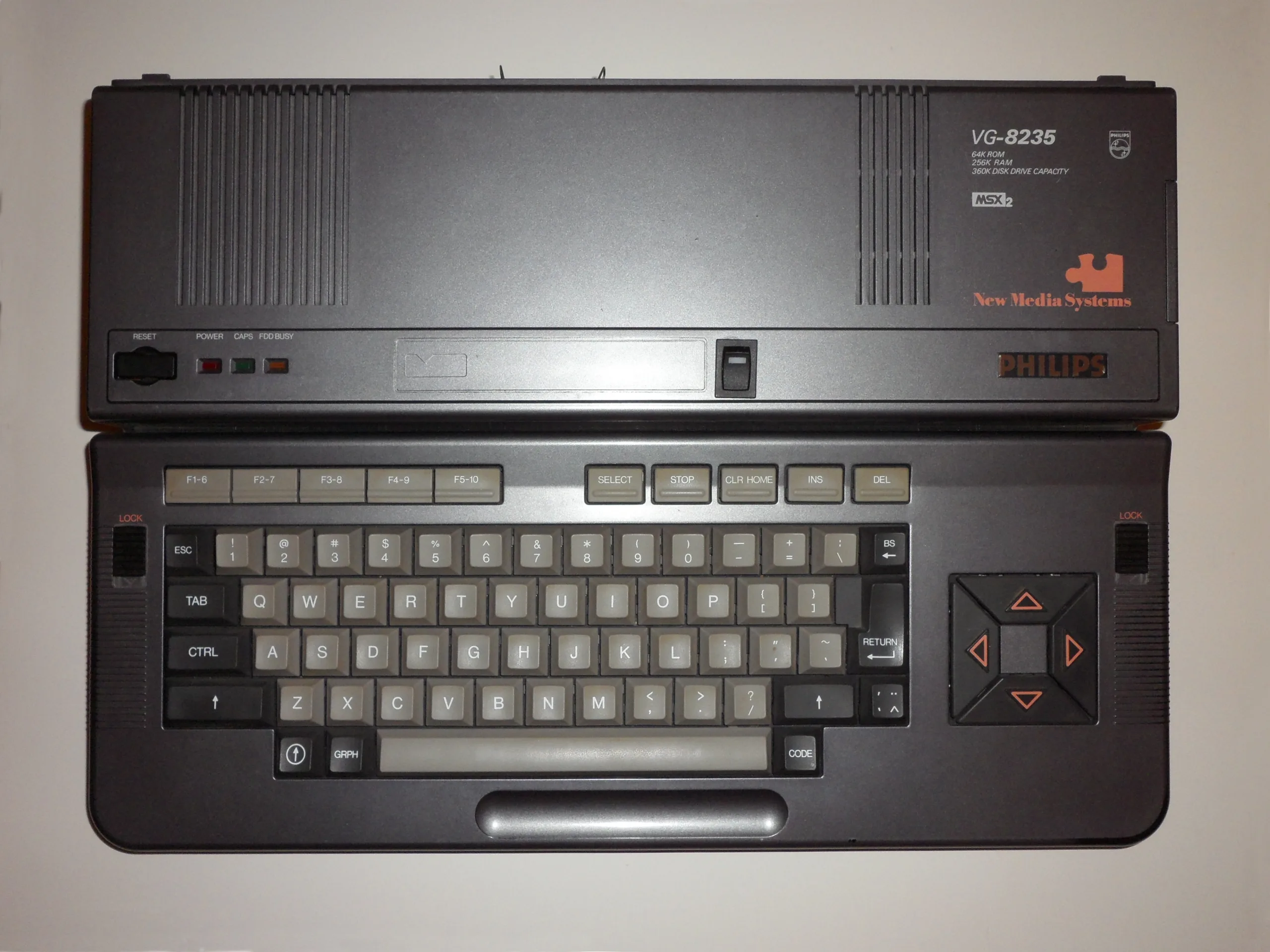
MSX2 kept the same Z80A running at the same 3.579545 MHz as the original MSX, and every MSX1 cartridge still worked, while a new Yamaha V9938 graphics chip and a mandatory real-time clock quietly turned the standard into something close to a proper disk-based computer.
Why it matters
MSX2 added a new Yamaha V9938 graphics chip capable of 512×212 resolution and a palette of 512 colours, pushed minimum RAM from MSX1’s 16 KB up to 64 KB, and folded in MSX-DOS 1.0 with a built-in floppy option on many models, all while keeping every existing MSX1 cartridge running unmodified. ASCII and Microsoft could have broken compatibility to chase more power, the way so many 1980s platform revisions did; instead they built on top of what buyers already owned. Konami’s Metal Gear, released on MSX2 cartridge in 1987, is the clearest demonstration of what that extra headroom bought developers over the MSX1 original. The standard never had the UK’s attention the way MSX1 briefly did, but across Japan, the Netherlands, Spain and elsewhere it became the backbone of a genuinely large install base, built by more than a dozen manufacturers competing on the same underlying specification.
What to check before you buy
- Test the real-time clock battery and surrounding PCB area for leakage before anything else; it is the single most common cause of a dead board on this generation.
- If the model has a built-in floppy drive, confirm it actually spins, seeks and reads a disk rather than just powering on.
- Check which region the machine was sold in: keyboard layout, TV standard and RGB connector all vary by market.
- Ask whether the V9938 has ever been swapped for a V9958 (the MSX2+ chip), a common upgrade that changes the machine's real specification from what the case suggests.
- Look for consistent screen colour and sync on composite or RGB output; drifting colour or sync loss usually points to an ageing VDP support capacitor rather than the chip itself.