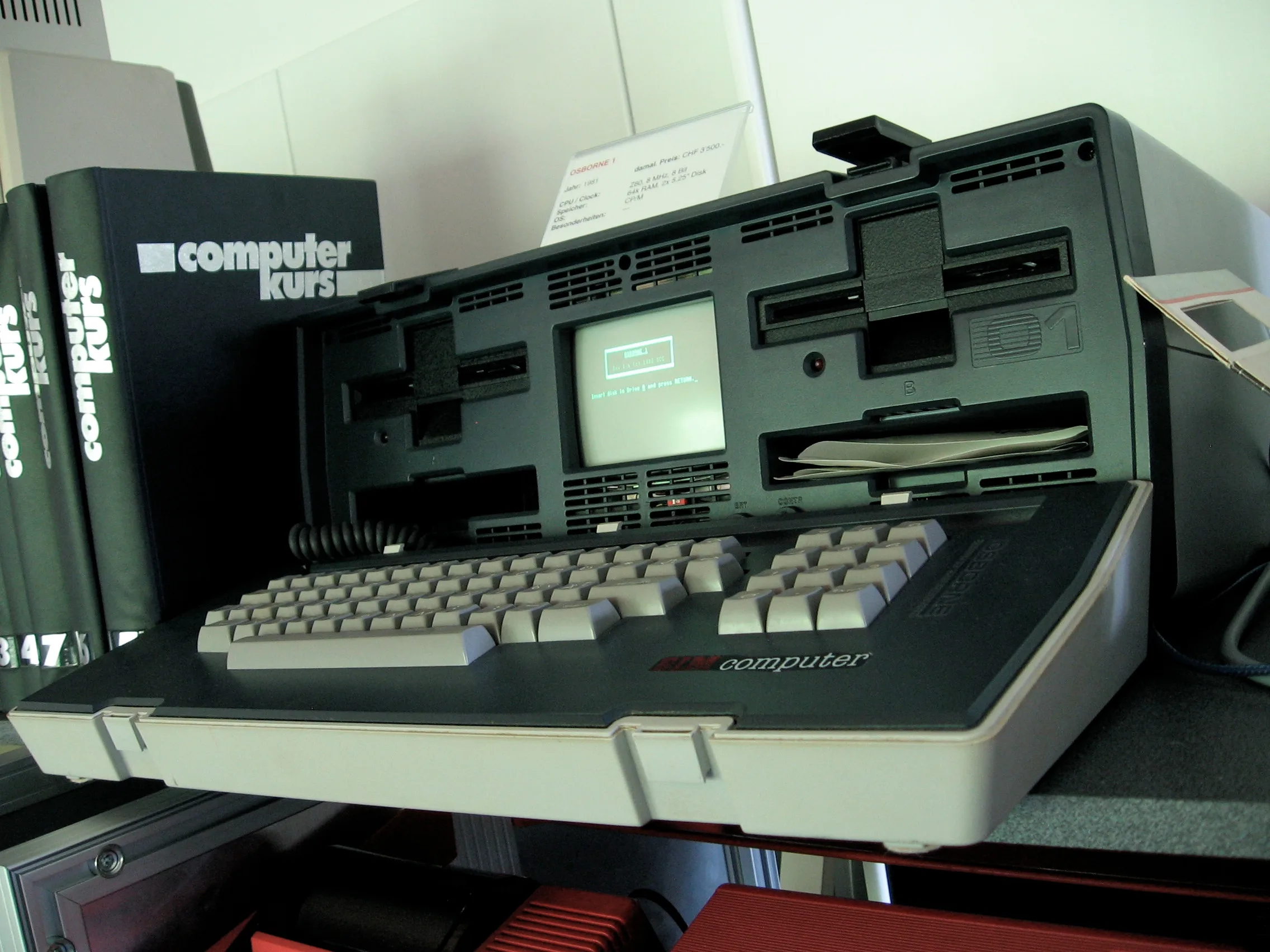
Was the Osborne 1 any good? As engineering, yes, and rather better than the company’s finances deserved. As something to plug in without a multimeter and a free afternoon, no.
Unclip the lid and it comes away. It is a 69-key keyboard on a coiled cable, and behind it sits a 5-inch screen between two floppy drives, all of it in an ABS case that carries by a handle like a sewing machine. The whole thing weighs about 24 pounds, or 11 kilograms. It is a strange object. The metal prototypes gave way to that plastic case because production quotes for the alternatives came in too high.
What the lid hides
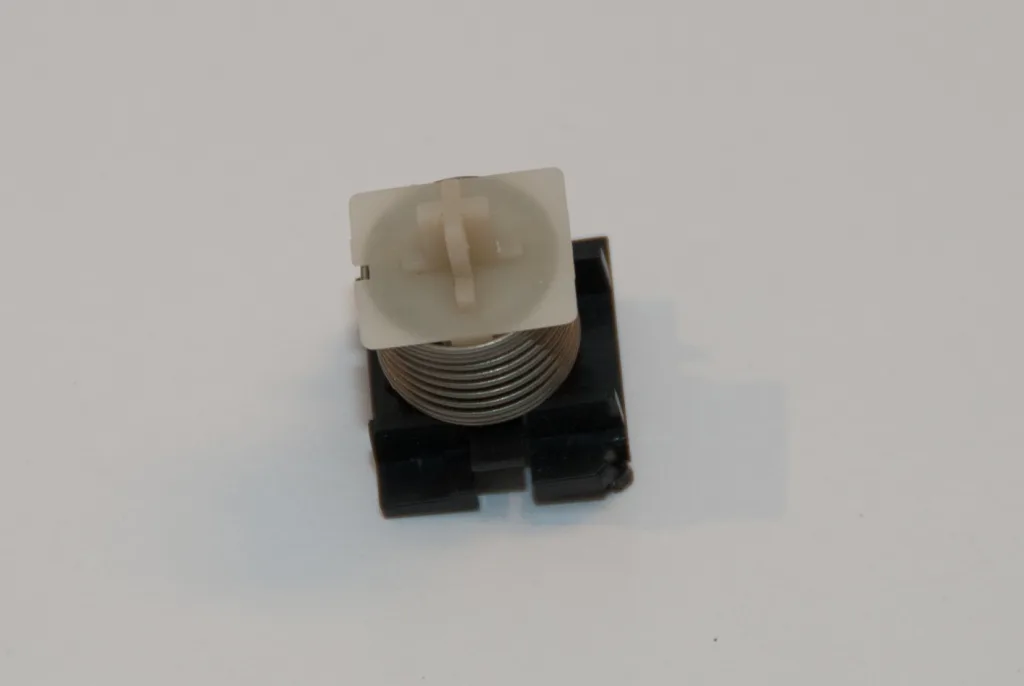
Photographs of a stripped-down Osborne keyboard on Wikimedia Commons show what you are typing on. The board carries an OAK Switch Systems label and the words ‘full travel membrane’, and under every key sits a coil spring and a plastic slider in a black housing. Rubber it is not.

I would take it over a Spectrum’s keyboard any day, and the keys do double duty as the lid, so the screen is covered when the case is closed. Pull one switch apart and you find a spring, a slider and a housing.
Seven months, and two chips for the picture
Lee Felsenstein designed the machine in about seven months, and the part he points to as his own is the timing circuit between the video and the processor. It shares the Z80’s own cycle between the two with about two small chips. That is a good trick. Sixty-four kilobytes is the most a Z80 can address directly, so the machine was at its ceiling on launch day, and its successor, the Executive, got round that with a paging scheme for 128 KB that Felsenstein laid out himself. The Z80A runs at 4 MHz with 64 KB of RAM, built from 4116 dynamic RAM chips, and a 4 KB ROM holds the boot code and BIOS.
The machine has an RS-232 serial port and a parallel port, and the parallel port Felsenstein arranged to cope with the IEEE-488 bus as well, because of Osborne’s chemical engineering background. It was done with software and a generalised port, not a pile of extra chips. This machine runs on that sort of economy.
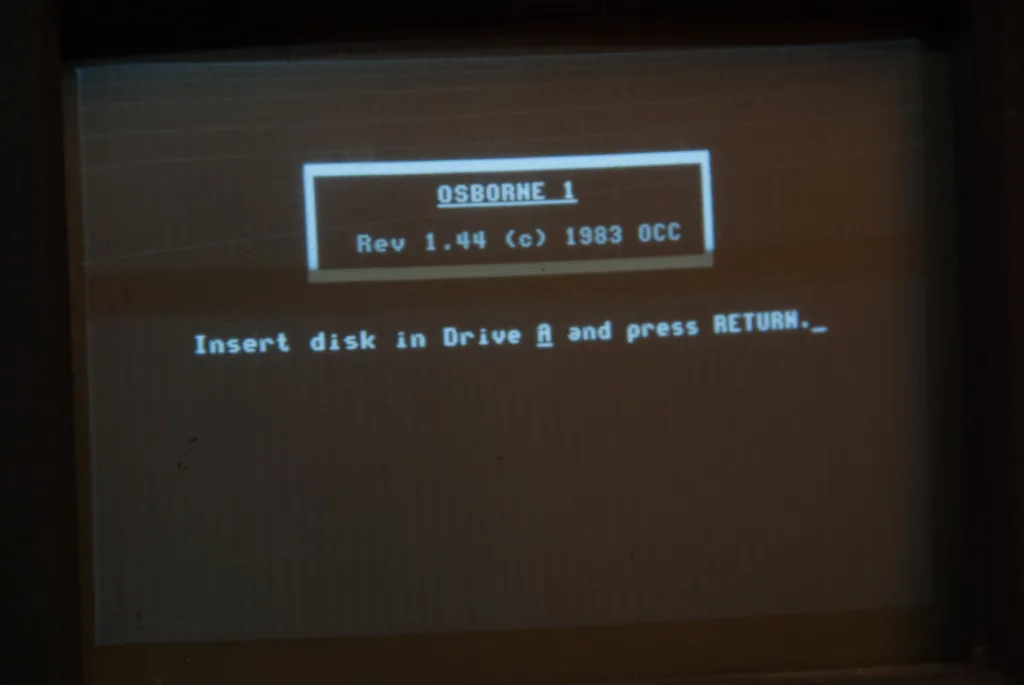
The screen shows 52 columns by 24 lines, a window onto a larger screen held in memory. Adam Osborne had asked for 40 columns, the width of an Apple II. The team went wider. There is no fan, so the only noises are the drives, and the bangs from a power supply that has had enough, which we will come to.
Ninety kilobytes a disk
Each of the two 5.25-inch drives is single-sided and single-density, with 40 tracks of ten 256-byte sectors. That works out at 102,400 bytes raw and about 90 KB once the system has taken its share. The controller is a Western Digital WD1793. Wikipedia says single-sided drives were chosen to avoid head damage from rough handling, which sounds plausible for a machine meant to be carried, though it is the only place I have found it.
That is where the business starts to show. Osborne assumed the company could buy bare drives and add its own electronics, but each one needed its heads aligned, and by Felsenstein’s account the Hayward building filled with benches of people doing that by hand. Software disks then began to fail in production, and the cause was a disk duplicator whose heads nobody had ever cleaned.
The engineer who spotted it was Pat McGuire, who designed the drive control board and was the one to ask whether anyone had cleaned the heads.
The software side was a small web of outside firms. Richard Frank of Sorcim wrote the ROM BIOS, and Sorcim also supplied SuperCalc, a spreadsheet in the VisiCalc mould with some improvements of its own. WordStar came from MicroPro. Felsenstein says the arrangements were paid for partly in shares, and that nobody could work out how Osborne had managed to bundle so much.
What you got for the money was a lot. The Osborne 1 launched at $1,795 with CP/M 2.2, WordStar, SuperCalc, MBASIC and CBASIC, and for 1981 that was a complete office in a case.
The power supply wants watching
The supply is an Astec AC8151, giving +5 V at 2.5 A, +12 V at 2.02 A and -12 V at 0.1 A, about 38 W at most, with crowbar protection that trips somewhere between 5.8 and 6.8 V on the 5 V rail. That is not much power. The early metal prototypes used a transformer instead, which put them at about 30 pounds and filled the screen with magnetic interference, so the picture shimmied. A manufacturer handed Felsenstein a switching supply at the 1981 show and, by his account, it solved a lot of problems at once.
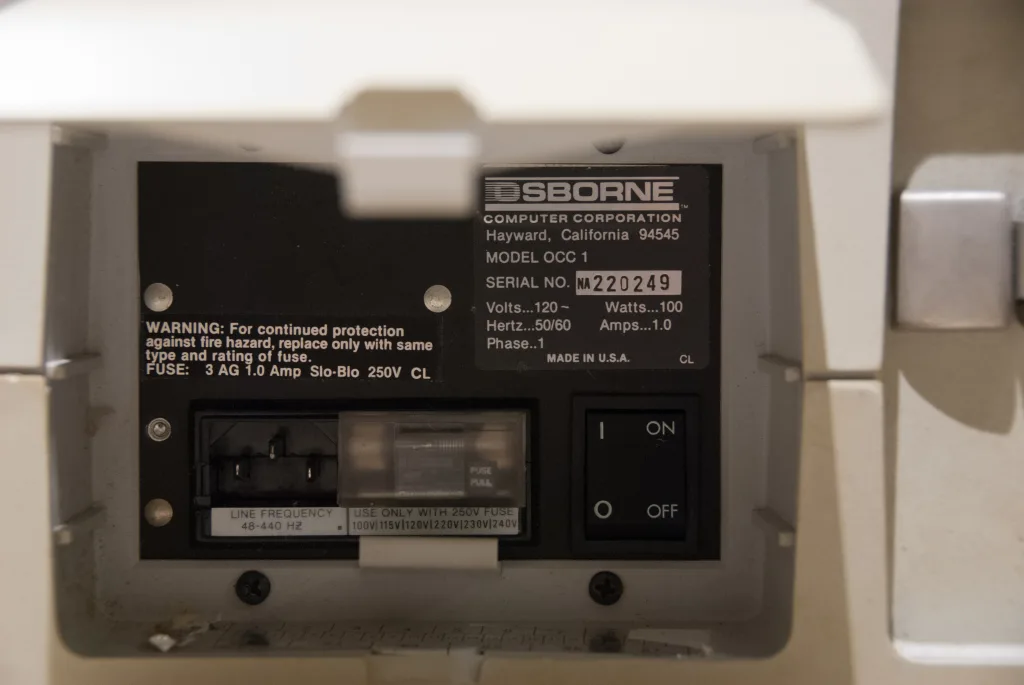
The trouble is age. The filter capacitors are the usual suspects, and on the machine in the DOS Days repair log, a 0.1 uF X-rated capacitor at C2 and two 0.01 uF parts at C1 and C11 went out and were replaced with higher-rated ones. Richard Loxley found a previous owner had already replaced an X capacitor that had blown. It is a common fault. A failing one announces itself with a loud buzz and then smoke, pops and bangs, or with ripple on the supply that crashes the machine at random.
Test it on an isolation transformer, since the supply runs straight from the mains. Remember too that the screen’s tube holds its charge after you unplug it, so keep your fingers out of the back.
The cable that bites
The floppy cable is the one that gets people. Along with the signals it carries +5 V and +12 V, and its card-edge connectors are not keyed, so it will go on upside down without complaint. Fit it that way round and chips die. Wikipedia, oldsilicon and a community service wiki all say so, though it is fair to say they may share a source.
Cheap to leave out, expensive to get wrong. Look at the orientation before the cable goes anywhere near a power-up. Wikipedia also lists soldering defects on early controller boards and a combined power and data cable with a tendency to overheat, so treat any loose joint or discoloured cable as suspect.
What to check before you buy
Look at the capacitors in the supply first, and assume the filter parts are due for replacement. Check the floppy cable orientation. Clean the drive heads with isopropyl alcohol and lubricate the stepper, and be aware that the heads can stick past track 0.
If the picture wobbles, the vertical hold and height controls are the first things to try. A dead Z80A can also kill the picture. It did on one machine in the DOS Days log, so a blank screen with healthy power rails points there. The little plug in the video-out socket keeps the picture on the built-in screen, and pulling it turns that screen off.
Respect the engineering, question the company
Felsenstein produced a keyboard that still works, a screen that still draws and a design that still works on the bench today. The power supply has not been so kind, but it was cheap, light and good enough on the day.
The company around it is where my cynicism goes. Parts shipped without written purchase orders. A duplicator that nobody cleaned. According to a 2005 article in The Register by Charles Eicher, drawing on the memoir Hypergrowth, a vice president found about $150,000 of finished motherboards with no screens, drives or cases to go with them. That looks like a stock problem more than a publicity one.
Buy one if you find one. Replace the capacitors, fit the cable the right way round, and only then boot it.