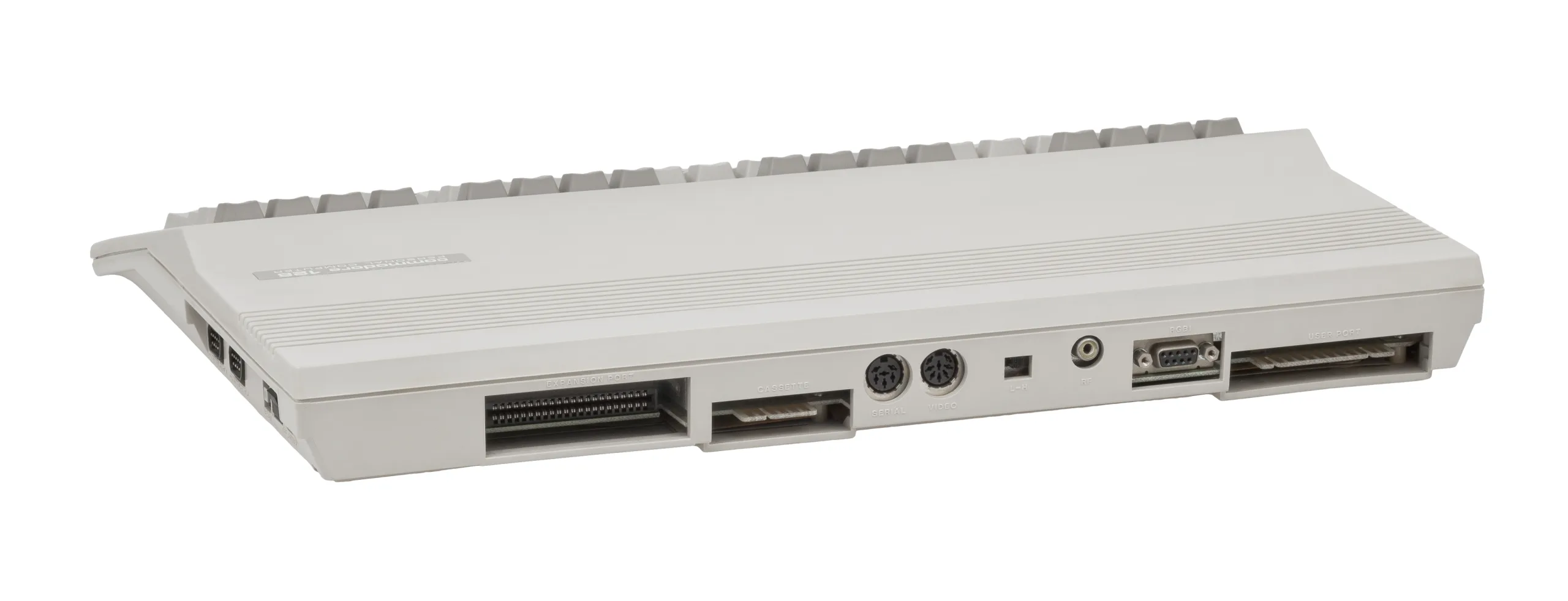
The Commodore 128 was, at launch, the only mainstream home computer that could boot into three completely different machines depending on which key you held down at power-on. Press nothing, and it ran a full, bit-for-bit compatible copy of the Commodore 64. Hold the right combination, and it woke up as its own machine: 128 KB of RAM, an 80-column display, and BASIC 7.0. Hold another, and it handed control to an entirely separate Zilog Z80 processor and booted CP/M 3.0, a business operating system with its own enormous software library that had nothing to do with the 6502 family running the rest of the machine.
Why it matters
The C128 exists because Commodore had painted itself into a corner: the C64 was, by 1985, the single most successful home computer in history, and abandoning that installed base with an incompatible follow-up would have been commercial suicide, yet the C64’s ageing architecture had no route into the 80-column business market that machines like the IBM PC and its clones were starting to dominate. The triple-mode design was Commodore’s answer to both problems at once, built by pairing a second, faster 8502 with an entirely separate Z80 and VDC chip rather than trying to force a single processor to do a job it wasn’t built for. It’s an unusually honest piece of engineering for the mid-1980s home computer market: instead of pretending compatibility and ambition could be squeezed into one chip, Commodore simply built three computers into one case.
What to check before you buy
- Ask whether the original external power supply is included, and if so, whether it's been tested independently — its documented over-voltage failure mode can take the motherboard with it.
- Test the keyboard fully before relying on a "working" listing; carbon-pad oxidation causes intermittent or dead keys that a quick power-on test won't reveal.
- Confirm whether 80-column (VDC) output has actually been tested, not just the 40-column/C64-compatible display.
- If CP/M mode matters to you, check that a CP/M boot disk or working drive is actually available to test it.
- Check for the classic Commodore capacitor and corrosion issues under the RF shield, especially on a machine that hasn't been opened or serviced in years.