
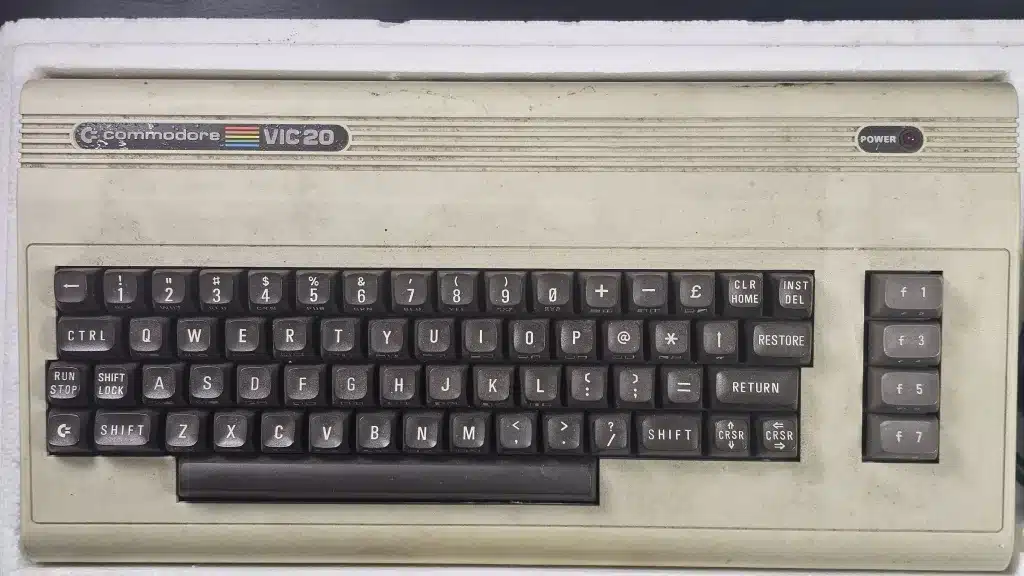
The VIC-20 came on at the first try. The start-up message appeared, the machine reported 3583 bytes free, and for a computer built in the early 1980s that felt like a very good start.
About 20 minutes later it switched itself off without any warning, leaving a blank screen and a dark power light. I turned it off and on again, it came back, and a couple of minutes later it went off again.
This is the first project in The Workshop, the part of the site where I write up my own restorations. This piece covers the first three stages: checking the machine before I touched it, taking it apart and cleaning the keyboard. The case colour, the reassembly and the final power-on will follow in the next part.
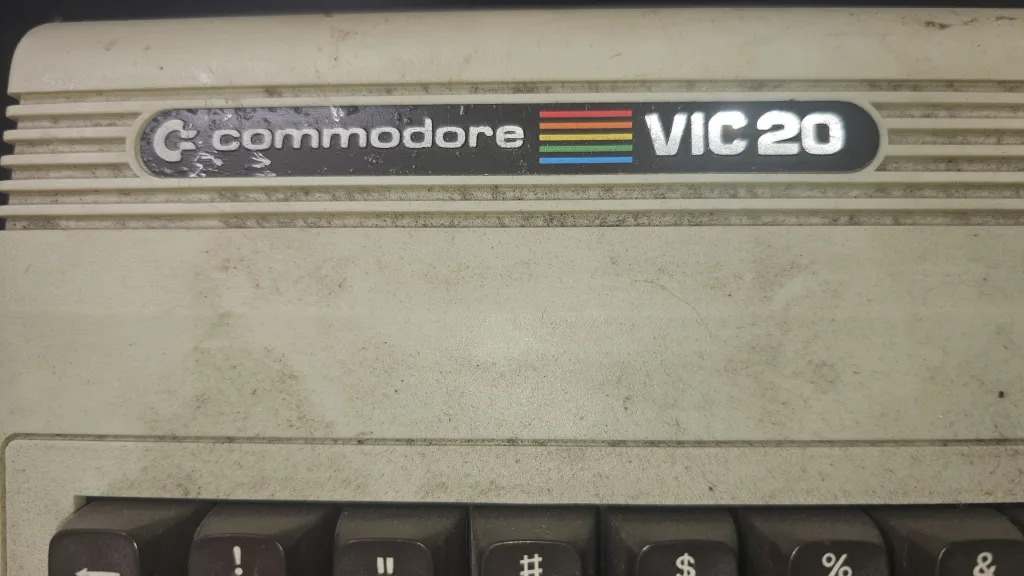
On the outside it was in pretty good condition, apart from a dirty case with marks on it and a couple of marks on the Commodore badge on top.
First, the power supply
Before plugging anything into the computer, I looked at the power supply on its own. I checked the mains plug and the fuse, then measured the 5 V output with the brick off the machine. A closer look at the photos showed that one of the leads had a stretch of rough, flaky sheath about a hand’s length long, so the supply went on hold until that was sorted. The plug itself was not great either: there were a few loose strands inside, and it is an older type with no sleeves on the pins.
The label says it should give 5 V DC at 1.5 A and 9 V AC at 1 A. With nothing connected, the 5 V side read 4.8 V, and once the lead was checked and repaired, the 9 V AC side read 10.34 V.
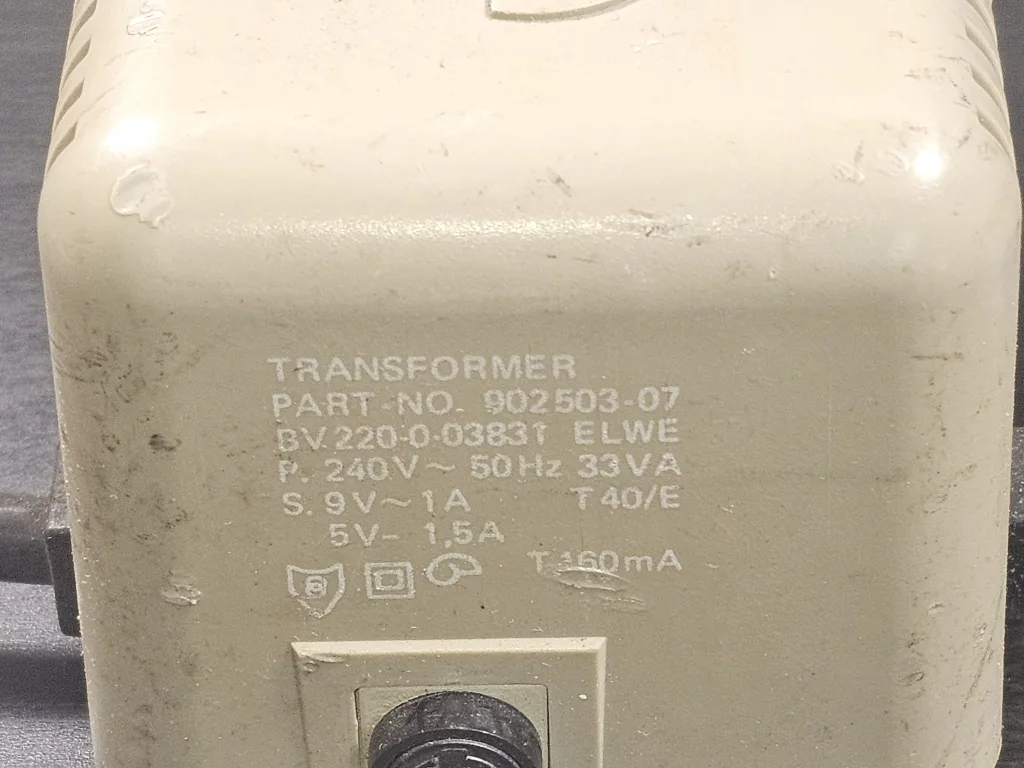
The only tricky bit was getting those readings in the first place. The power plug is a 5-pin DIN plug, and the pins sit very close to each other and very close to the metal shield around them, so I had to be really careful not to touch two at once. Next time I would use different tips on the multimeter.
Later on I found a better way. If you don’t have different tips for your multimeter, plug the power supply into the board, make sure the computer’s power switch is off, and measure the voltage on the back of the circuit board instead.
One word of advice if you have one of these supplies: test it on its own before it goes anywhere near the computer, and unplug it before you open anything.
It works, mostly
With the supply checked, I plugged it into the VIC-20, connected the screen and switched on. It came up properly, which was a nice surprise.
Then I worked through the machine one part at a time, using short PEEK and POKE commands. PEEK reads a number from the computer’s memory and POKE writes one, so you can test the hardware without loading any software. I pressed every key and they all worked. Then I tested the sound with two POKEs on one line:
POKE 36878,15:POKE 36876,200The first POKE turns the volume up to full, and the second switches on the VIC chip’s third voice. The tone came out nice and clear.
I also connected a joystick, an original Commodore one, and was happy to find it in good working order.
While the machine was running, I measured the 5 V at the user port, the row of contacts at the back of the board, and it held 4.74 V. That is enough to run on, but a little on the low side.
Then came the cut-outs. Earlier on, the cursor had also stopped flashing once, so the machine had frozen before it started switching off. Neither the computer nor the supply felt warm. I unplugged the supply, and with nothing connected it held a steady voltage even when I flexed the lead. That didn’t rule out a problem under load. So I unplugged everything and made a start on the strip-down.
Taking it apart
The VIC-20 is easy to open: three screws come out from the bottom of the case, and the case just comes apart. I lifted off the top half and disconnected the keyboard cable and the power light connector.
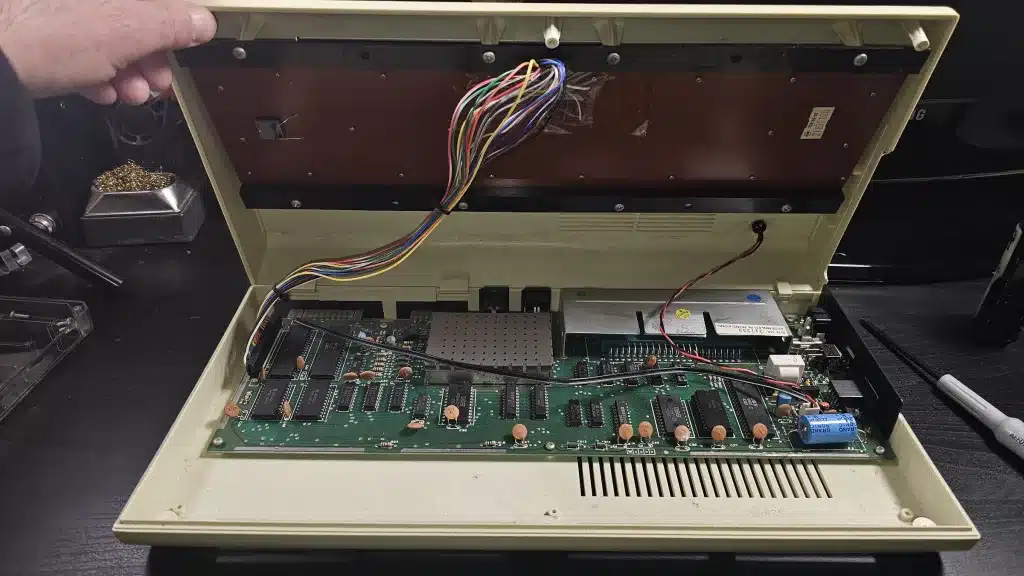
Next I turned to the bottom half, which holds the motherboard. I found the screws holding the board, took them out and lifted the board free, then flipped the bottom case over and removed the Commodore label and all four rubber feet.
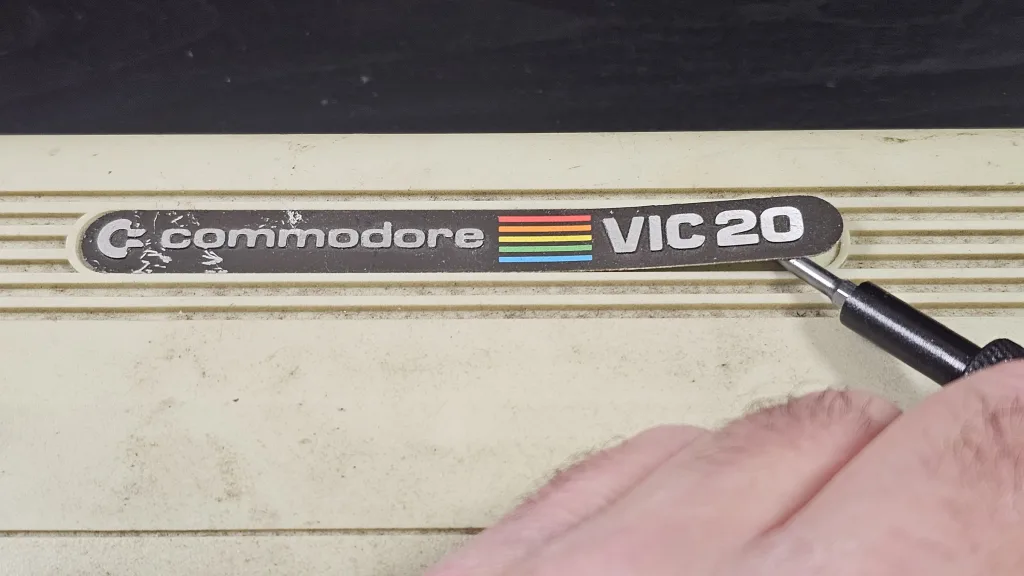
On the top half, the keyboard came out first, held in by its screws. Then the power light came out of the lid. That was a bit tricky: there is a ring at the back that you have to pull back, and a holder that comes through the top. Last of all, I flipped the lid over and took off the Commodore VIC-20 badge. The small power badge around the power light would not come off at all. It feels like a steel plate.
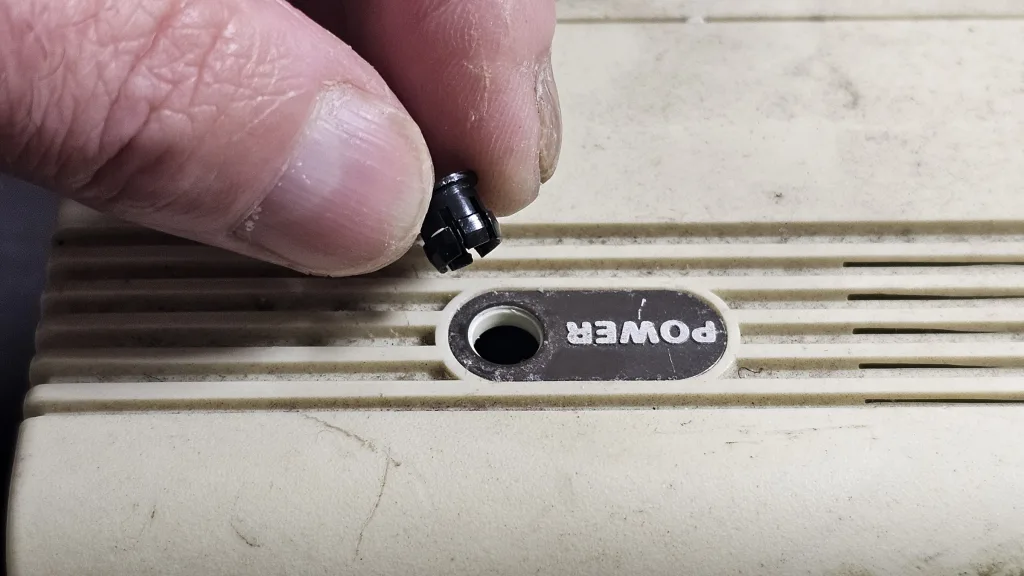
I used a screwdriver for the badge and the power light. Next time I will use a plastic tool, to avoid damaging the case.
A clean board and one odd wire
The motherboard was a pleasant surprise: it was quite clean, with no burn marks and no water marks, and I couldn’t see any resoldered parts anywhere. If it was ever repaired, it was a good job. The chips and capacitors all looked to be in really good condition.
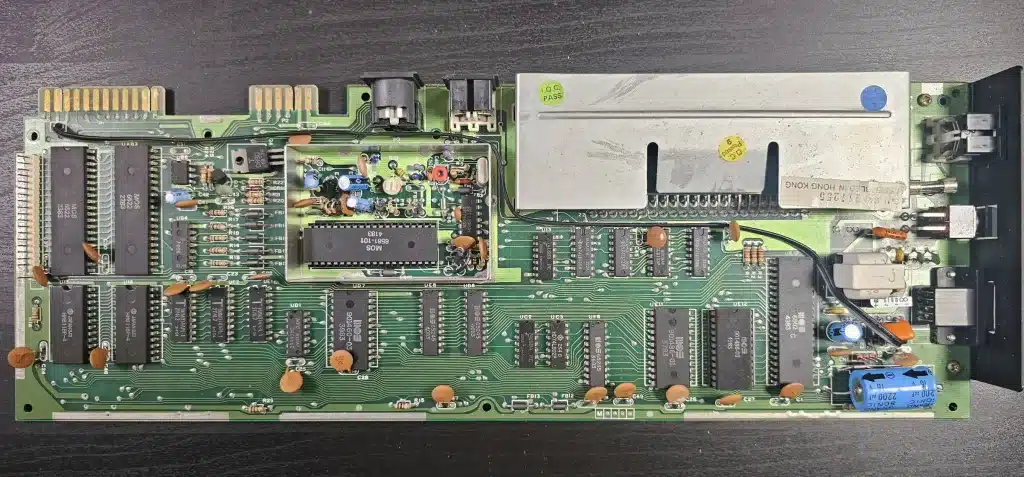
The only surprise was a black wire running across the board, between one of the outputs and the power side. I’m not sure that wire was there when the machine left the factory. I’ll find out later.
A borrowed power supply settles it
With the board out of the case, I went back to the cut-outs. The test I needed was simple: run the VIC-20 on a different supply and see whether it still cuts out. I had a spare Commodore 64 power supply that I had repaired earlier, and a C64 supply can be used with this VIC-20, which has the round DIN power socket.
Before trusting it, I measured it the new way, on the back of the board at the power socket, with the computer’s power switch off. It gave 5.15 V with no load and 10.15 V AC on the 9 V side. With a 10 ohm resistor across the 5 V as a test load, it dropped to 4.8 V.
Then the real test. I connected the VIC-20 to the TV and ran a one-line program that prints the computer’s clock over and over, so a freeze would show straight away. I checked the 5 V at the user port as it ran:
- At switch-on: 4.93 V
- After 10 minutes: 4.94 V
- After 20 minutes: 4.94 V
- After 30 minutes: 4.94 V
The counter kept running and the power light stayed on the whole time, which took it past the 20 minutes at which it had cut out on the original supply. One run doesn’t make it certain, but it points at the old brick, which is now waiting for a repair of its own.
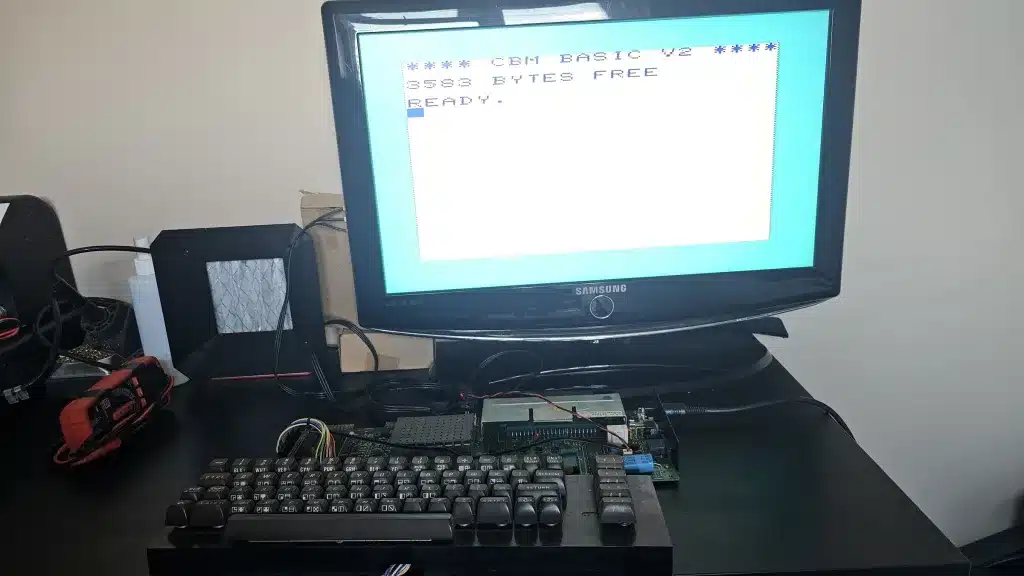
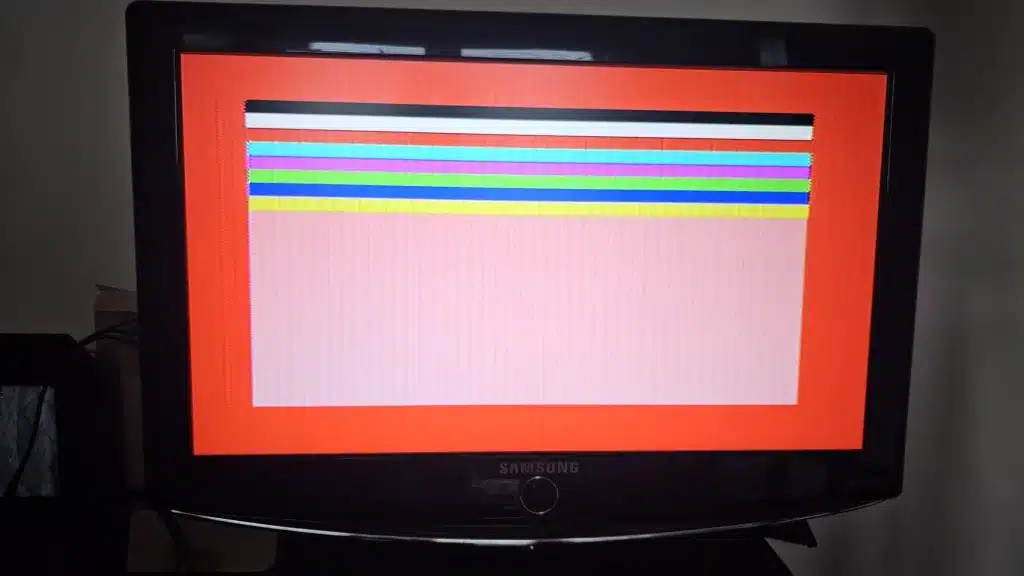
On the same supply, I also did a colour test with this short BASIC program:
10 PRINT CHR$(147)
20 FOR I=0 TO 7:FOR J=0 TO 21
30 POKE 7680+I*22+J,160:POKE 38400+I*22+J,I
40 NEXT:NEXT
50 FOR B=0 TO 15:POKE 36879,B*16+8+(B AND 7)
60 FOR T=1 TO 1500:NEXT:NEXT:GOTO 50
It clears the screen and draws eight solid bars, one in each of the eight text colours. Then it cycles the background through all 16 colours, with the border following along, until you press RUN/STOP. Every bar was there and in the right order, and no colours were missing. There were swirls and fine stripes on the screen, but I put those down to my modern LCD TV. A hard reset brought it straight back.
One small fault did show up during the run test: the space bar is temperamental, and it works better if you press it more on the left side. That went on the list for the keyboard clean.
Cleaning the keyboard
The keyboard was next, and I pulled every keycap off with a keycap puller. Some were a bit tighter than others, but most came off easily.
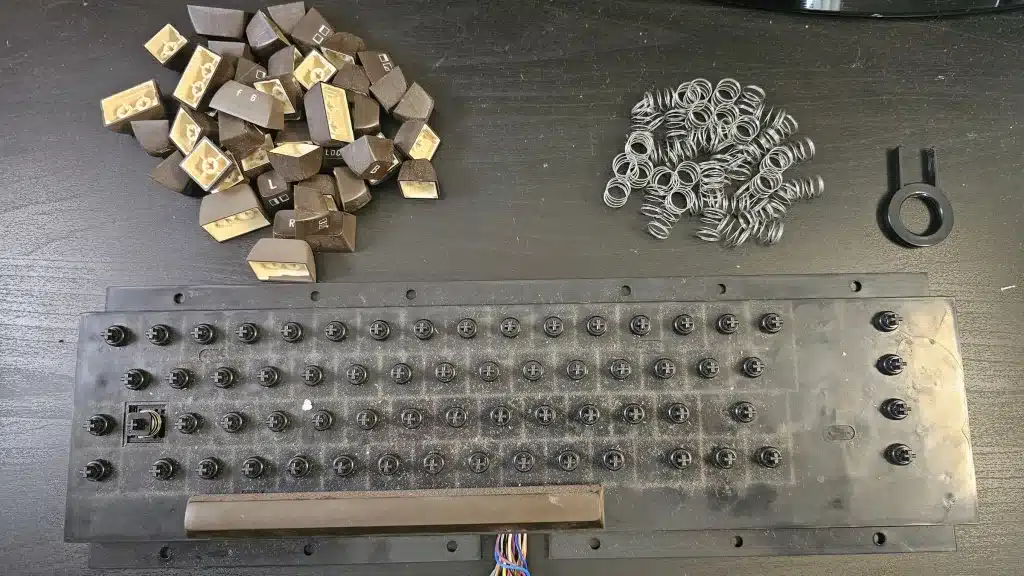
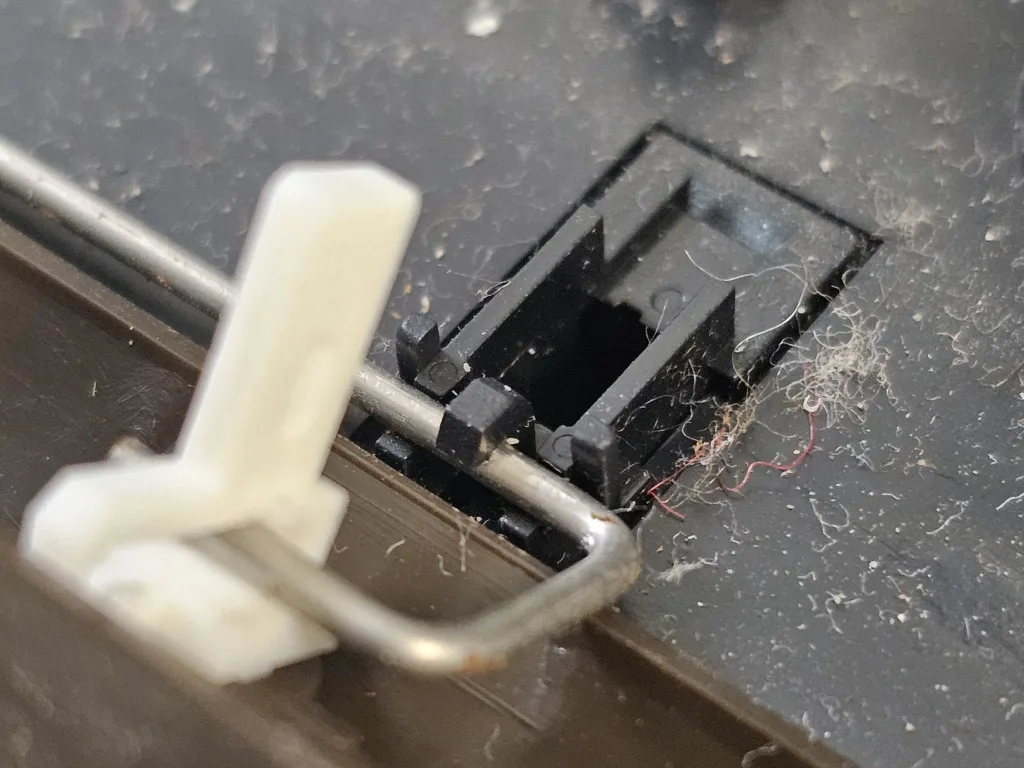
Then I flipped the keyboard over and took out all the screws holding the brown backing plate. The shift lock key has its own wires, so I desoldered those, using some flux and the soldering iron set to 380°C. Then I lifted out the circuit board and all the plungers.
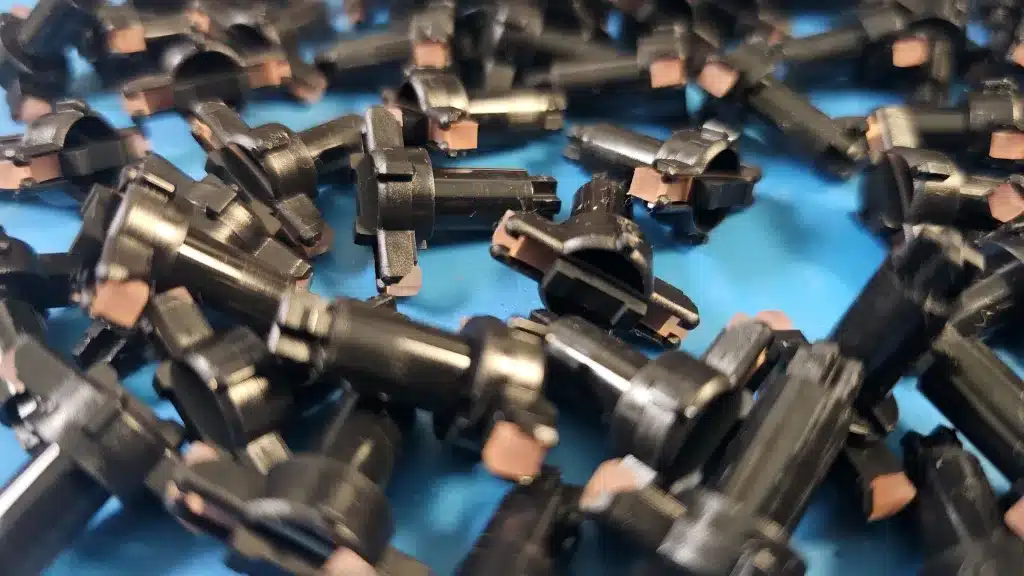
I cleaned the circuit board with 98% alcohol and a toothbrush, going over all the contacts, and used a brush to get the dust off the plastic top, then finished it off with glass cleaner. The keycaps went into hand-warm water with some washing-up liquid, where I left them to soak for 2 hours before rinsing them in clean water and drying them.
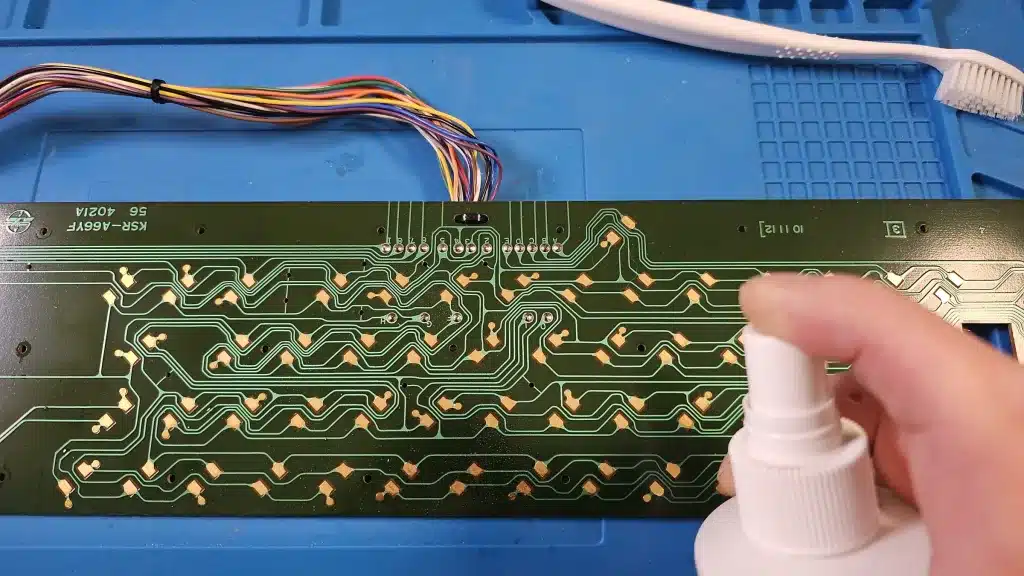
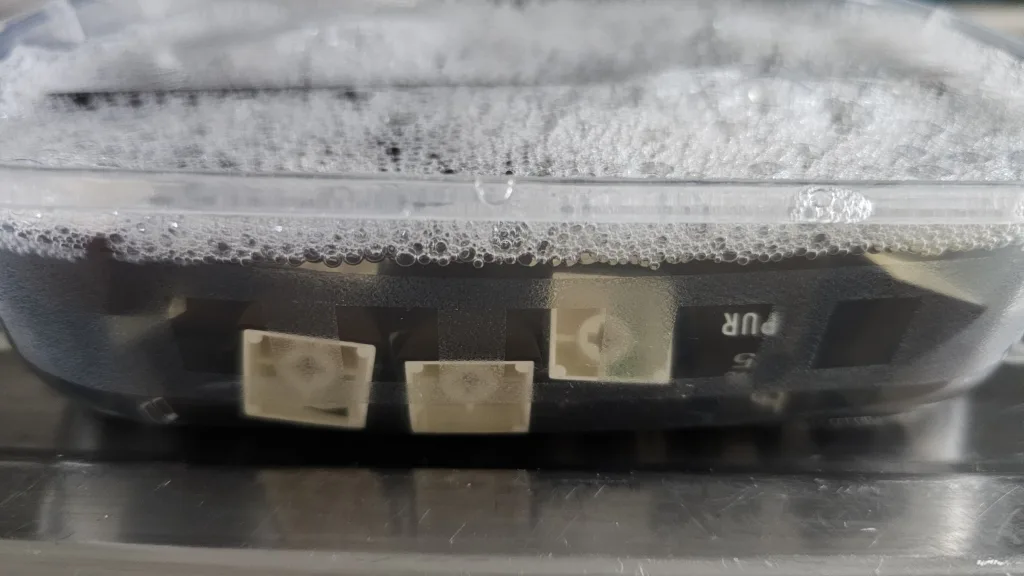
The condition of it all surprised me. The circuit board, the keyboard and the plastic cover had nearly no damage at all, and while there were a few slight scratches, most of what looked like wear was just dust. Even the springs under the keycaps showed no sign of wear or rust.
It is a straightforward job, and the only tools you need are a Phillips screwdriver and a keycap puller, plus a soldering iron for the shift lock wires. I don’t think I would do anything differently.
Where it stands
So far the news is mostly good. The processor, the memory, the sound, nearly all the keys and the joystick work, the board is clean, and the keyboard parts are clean. The cut-outs look like the old power supply’s fault.
A few things are still open: the black wire, the temperamental space bar and the repair of the original supply. The case is cleaned and ready for the next stage, which is bringing its colour back.
If you have a VIC-20 of your own, check the power supply before anything else. Did yours ever switch itself off? Part two will cover the case, the reassembly and the moment it comes back to life in one piece.