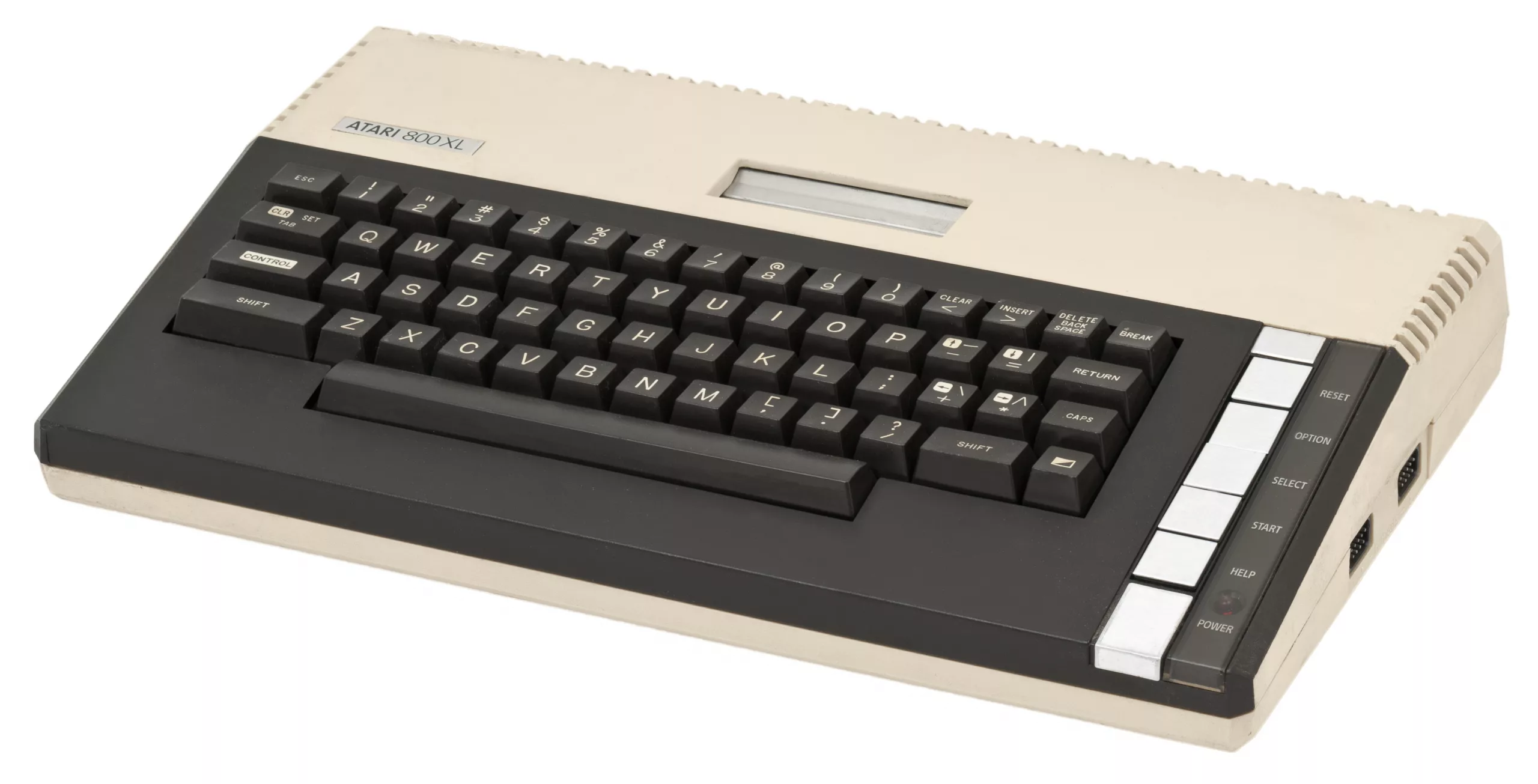
CTIA and GTIA are the two graphics chips used in Atari’s 8-bit computers. The GTIA replaced the CTIA from late 1981 and adds three display modes (Graphics 9, 10 and 11). An Atari 800XL normally has a GTIA from the factory, so a CTIA in an 800XL means someone has swapped a chip. You can tell them apart with a two-line BASIC test or by reading the part number.
- CTIA (NTSC): part number C012295
- GTIA (NTSC): C014805; PAL GTIA C014889; French SECAM version (FGTIA) C020120
- Quick test: on an NTSC machine, black screen means GTIA and a blue screen means CTIA
How do you tell CTIA from GTIA with a BASIC test?
The test works on NTSC machines. A PAL Atari 400 or 800 already has a GTIA, so there is nothing to find.
- Boot to BASIC. Make sure no cartridge is fitted.
- Type the test. Enter
10 GRAPHICS 9and20 GOTO 20, then typeRUN. - Read the screen. A black screen means a GTIA. A blue screen means an older CTIA.
- Optional second test. The alternative given in the Wikipedia article on CTIA and GTIA is to run
POKE 623,64. If the screen blackens it is a GTIA, and if it stays blue it is a CTIA.
How do you identify CTIA and GTIA from the chip markings?
- Power down and unplug. Remove the case top to expose the motherboard.
- Find the graphics chip. It is a 40-pin chip marked with the part number.
- Read the marking. C012295 is a CTIA and C014805 is an NTSC GTIA. Machines built with a GTIA often carry a yellow or white sticker with the letter “G”, but the sticker may be missing.
- Check whether it is socketed. Look at the chip before you try to remove it. Never pull a soldered chip.
- Match the chip to what you need. If the software uses the three GTIA modes, a CTIA will show the wrong colours or a blue screen.
Which Atari computers use the CTIA and which the GTIA?
The original NTSC Atari 400 and 800 shipped with a CTIA. CTIA machines were shipped until October or November 1981, and after that all new Atari units had the GTIA. The PAL 400 and 800, the 1200XL, 600XL, 800XL, 65XE, 130XE and XEGS all use GTIA, as did the Atari 5200. So a CTIA in an 800XL has been put there afterwards.
What does the GTIA change?
- Graphics 9: 16 shades of one hue, chosen from 16 hues.
- Graphics 10: nine colours from the 128-colour Atari palette, set per horizontal line.
- Graphics 11: 15 hues at a single luminance, plus the background.
- Alignment: the GTIA also fixed a CTIA error that left graphics misaligned by half a colour clock.
A blue screen on the test does not mean the machine is faulty. It means it has a CTIA, and software that needs the three GTIA modes will not display properly on it. Check the chip before you chase a fault that is not there.
Sources: Atari800XL.eu knowledge base, “Atari 8-bit CTIA/GTIA”; Wikipedia, “CTIA and GTIA”. The PAL and SECAM part numbers are given only by the Wikipedia article.